ECU map editor for chip tuners and workshops
TCEPro desktop for Windows: it finds maps in firmware files, shows them in real units and edits them with full undo — with licensed map catalogs.
Protection is practical: a catalog file opens only for the licensed account on the licensed PC, and access is revoked at the next check-in.
TCEPro does not claim unbreakable DRM. Keys live in the protected Windows store; decrypted catalog content exists only in memory while you work.
What TCEPro is
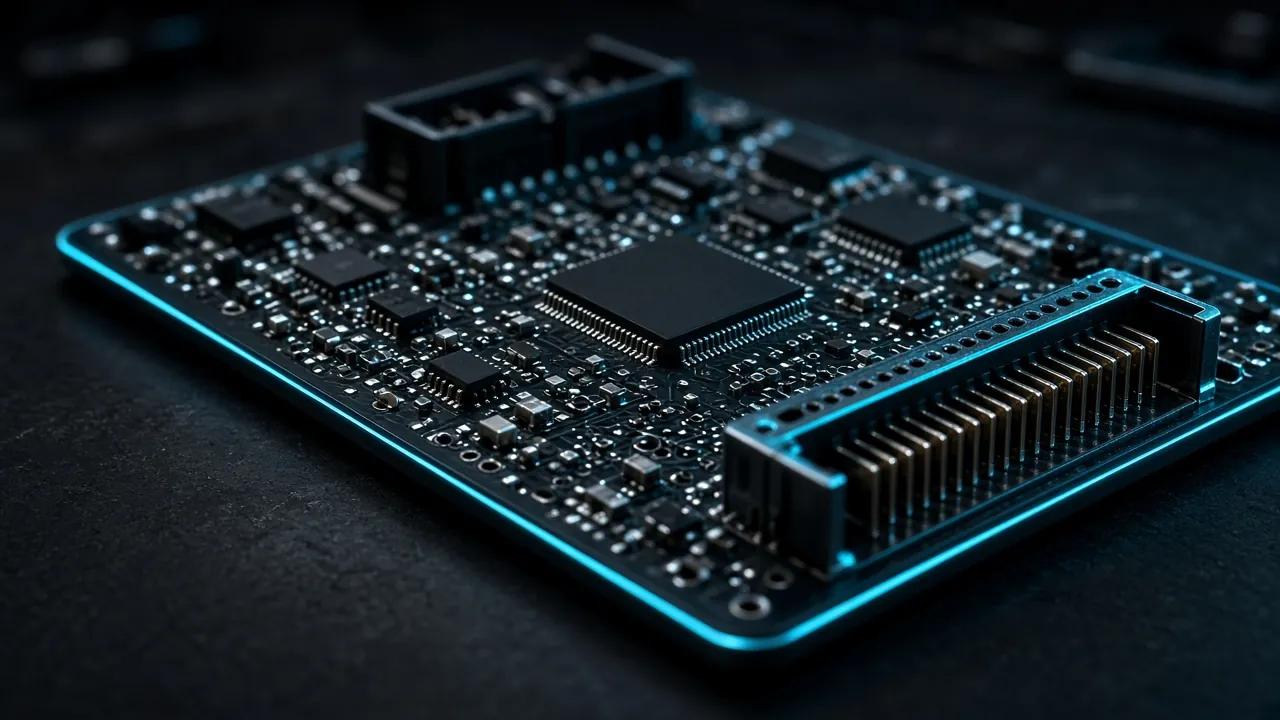
A modern car is run by an on-board computer — the engine control unit (ECU). Inside it lives the firmware: the program plus a set of tuning tables — maps — that decide how the engine behaves.
TCEPro is a Windows application that does the most painstaking part of the job: it finds the maps inside a firmware file, shows them as a table and a chart in real units — degrees, revolutions per minute, milligrams — and lets you change them — every change can be undone.
Maps are not built into the program. You obtain access to the catalogs you need, the program downloads them itself, and from then on it is automatic: open a firmware file and its maps appear.
Built for
Chip tuners
The primary users: open firmware, edit maps, compare versions and export for flashing.
Workshop owners and managers
Obtain catalog access and get predictable costs and protected data.
Customer-facing managers
Compare firmware versions and explain to a customer what changed.
Key capabilities
Recognizes the unit for you
Open .bin, .rom or .mod from the menu or by drag-and-drop. The unit is recognized across every accessible catalog — nothing to type, no catalog to pick. The Identification panel shows make, unit supplier, family, versions and recognition confidence in percent.
Catalogs, not built-in maps
A catalog is an encrypted file from the supplier with map descriptions for a group of units; access is granted per catalog, as a whole. After sign-in the program downloads what you are entitled to and updates it in the background — a catalog in use is never swapped under your hands. A catalog works like a map pack or definition file: it tells TCEPro where the maps sit in the firmware and how to read their values. Available now: Bosch MG1US008. Missing a vehicle or software version? Send the firmware for analysis from your cabinet: new versions of a supported ECU are added to its catalog, and a new ECU becomes a separate catalog.
Catalogs from a dealer
If a unit is recognized but lives in a catalog you do not have, TCEPro says so plainly. Catalogs are bought from a dealer, one at a time, with the email of your account; your license turns on with the first purchase. Until you own a catalog, nothing about its contents is revealed — not even how many maps it holds.
Maps as a table and a chart
A map tree with search and color tags, a table in real units and a line, surface or three-dimensional chart. A selection in one is highlighted in the other. Error maps show diagnostic fault codes in one table with descriptions and saved named lists.
Editing with full undo
Edit cells and axis values in the units shown; invalid input is rejected. Bulk operations, smoothing, area scaling with a preview — and every change is remembered: undo, redo, jump through history or return a map to its original state. Named checkpoints keep snapshots for reference.
Comparison and carry-over
Compare the open firmware with a second one: the tree shows changed maps and hides identical ones. Carry differences across — a whole map, all changed maps or only the selected cells. Every copy can be undone.
Projects and export
A project (.tceproj) holds the whole session: firmware, edits, history, tags, notes and checkpoints. Export writes a new file and does not overwrite the source; checksums are recalculated automatically for supported Bosch, Volkswagen Group (VAG) and Mercedes-Benz units.
Session recovery
While unsaved edits exist, a session snapshot is saved regularly; after a crash the program offers to restore the firmware, edits and window layout. A problem with one catalog does not modify your files on disk and does not stop the others.
What TCEPro does not do
- It does not program the unit or read firmware from it — talking to the car requires your usual equipment.
- It contains no maps out of the box and does not create catalogs — without a downloaded catalog the map tree is empty.
- It does not sell catalogs inside the program — catalogs are bought from a dealer.
- It recalculates checksums only for supported Bosch, Volkswagen Group (VAG) and Mercedes-Benz units; for the others, including Bosch MG1US008, a warning is shown.
- It does not work without signing in, nor longer than 3 days without contact with the server.
- In comparison mode free cell editing is unavailable — only carrying differences across.
What you need
A Windows PC
64-bit Windows 10 or 11 and a ready-made installation package from the supplier or a dealer.
An account
Created on the account page, with access to at least one catalog.
Internet — sometimes
Needed to sign in, download and update catalogs and periodically confirm the license. The work itself — opening, editing, saving and exporting — runs offline for up to 3 days.
Interface languages: English (default), Russian and Spanish. Settings also offer light, dark and system themes, fonts, chart color schemes, a color-blind-friendly difference palette and customizable keyboard shortcuts. Linux and macOS versions are planned.
Short glossary
- Engine control unit (ECU)
- The car's on-board computer that runs the engine by the tables stored inside it.
- Firmware
- A file with the full contents of the unit's memory — usually .bin, .rom or .mod.
- Map
- One tuning table inside the firmware, for example ignition timing against engine speed and load.
- Map catalog
- The supplier's encrypted file describing where the maps sit in the firmware and how to read their values.
- Project
- A TCEPro file (.tceproj) keeping the firmware together with all edits, history and window layout.
- Checksum
- A number by which the unit verifies the firmware is intact; it must be recalculated after edits.