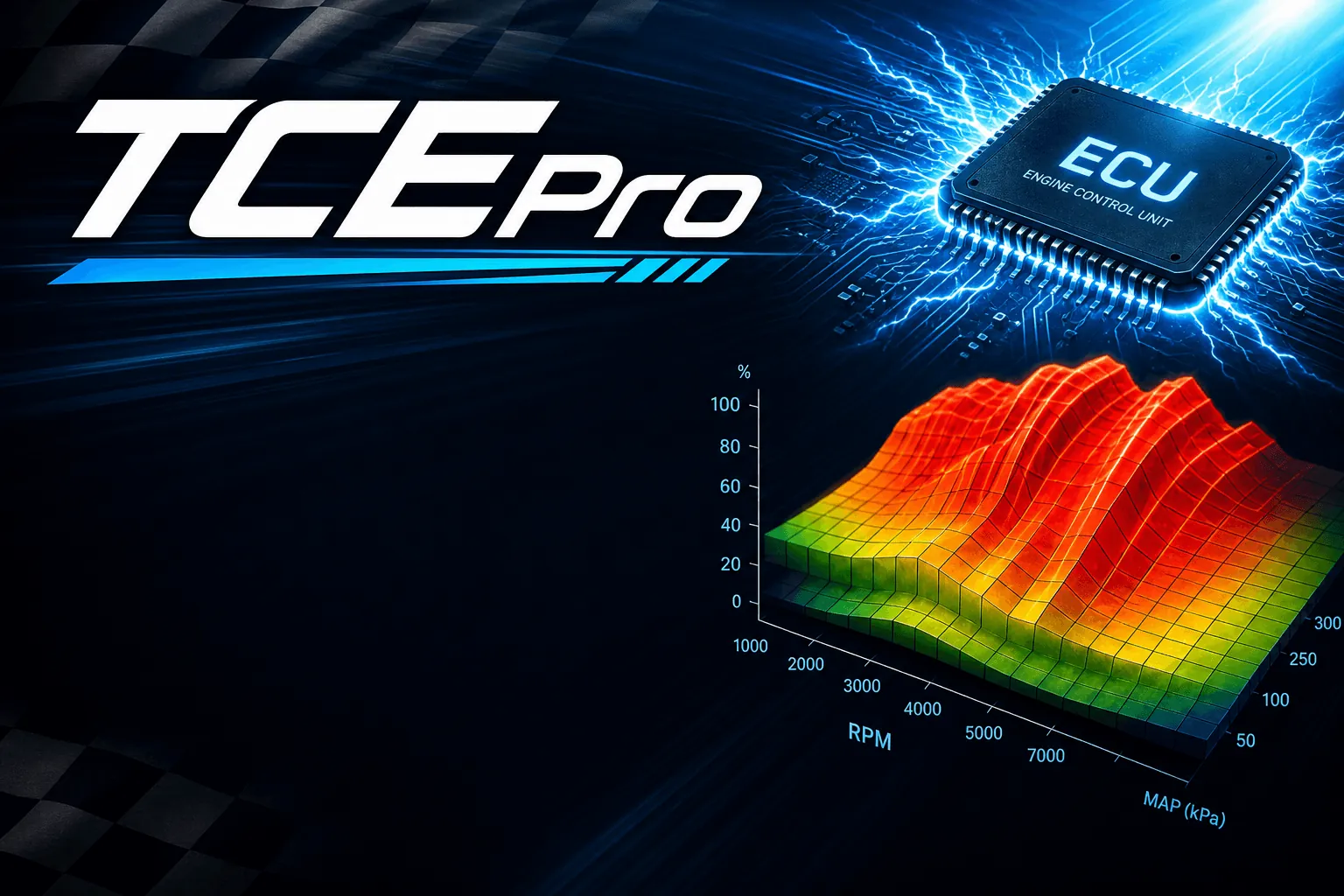
ECU map editor for Windows
Edit ECU calibration maps. Licensed to this PC.
TCEPro finds the maps inside a firmware file and shows them as a table and a chart in real units — degrees, rpm, milligrams. Edit with full undo, compare versions and export with checksums recalculated for supported units.
No card required · Windows 10 / 11 · 3-day offline window · Slot-bound license
What TCEPro does
Finds the maps for you
Drag a .bin, .rom or .mod file in — the unit is recognized and a map tree with names and units appears. Nothing to type, no catalog to pick.
Real units, table and chart
Line, surface or 3D charts next to the table in degrees, rpm and milligrams. A selection in one is highlighted in the other.
Editing you can undo
Bulk operations, smoothing and scaling — every action can be undone or returned to the original. The source file is never overwritten.
Compare and carry over
See only what changed between two firmware files and carry differences across — a whole map, changed maps or selected cells.
Projects and export
A project keeps firmware, edits and history together. On export, checksums are recalculated for supported Bosch, VAG and Mercedes-Benz units.
Crash recovery
Unsaved edits are snapshotted while you work — after a crash TCEPro restores the firmware, edits and window layout.
Inside TCEPro
Maps, projects and the licensed catalog — one desktop app.
Several maps open at once — tables, a chart and the map list.
Fault codes beside the catalog — Errors (DTC) in the map list.
How licensing works
Slot-bound
By default the license occupies one PC.
Another account’s file won’t open
A catalog file from another account or slot does not open in TCEPro.
Revoke at check-in
If access is revoked, it ends at the next check-in — offline it stays active until then.
How it works
Create account — Email and password, or Google.
Sign in to TCEPro — Same account. The installer is available from Download after you sign in.
Buy a catalog — From a dealer, one catalog at a time, with the email of this account.
License turns on — With your first catalog. Each catalog you buy is added to the same license.
Catalog downloads — Bound to your license and device slot.
Work offline up to 3 days — Warning in TCEPro until the signed lease expires. Then sign in again.
Pricing
Per catalog. Bound to your account and one device slot.
Coming soonAvailable now: Bosch MG1US008 map catalog for Changan, Chery, Haval, GWM TANK, Geely and more →
FAQ
Start with your first catalog.
Create your account and get access to your first catalog — it unlocks on this PC.